
Store experience
How to check fresh prices and stock with OpenCart caching
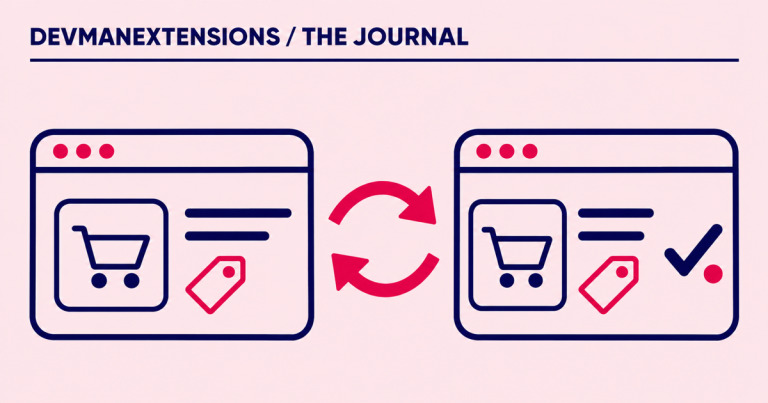
Check whether OpenCart shows current prices and stock with page caching enabled. Use a staging product, fresh sessions and a repeatable cart test.
Nov 28, 2026 · 3 min read↗
 THE JOURNAL
Product options, mobile shopping, checkout and promotion workflows for OpenCart stores.
For store owners, developers & curious people.
Check whether OpenCart shows current prices and stock with page caching enabled. Use a staging product, fresh sessions and a repeatable cart test.
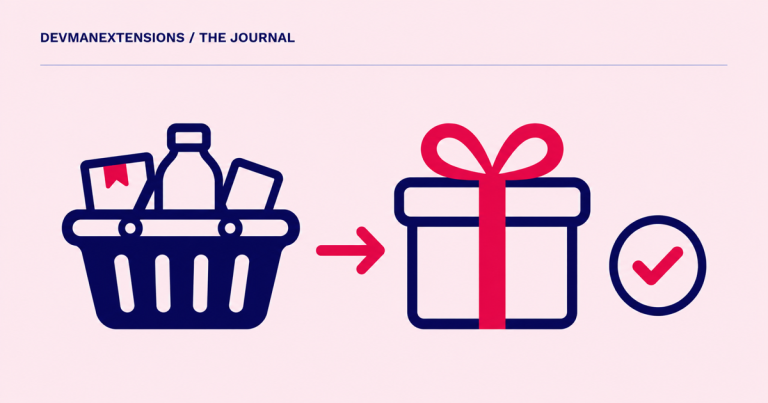
Test when a cart earns or loses a free gift in OpenCart. Check the spending threshold, coupons, stock and the final order before launching your campaign.
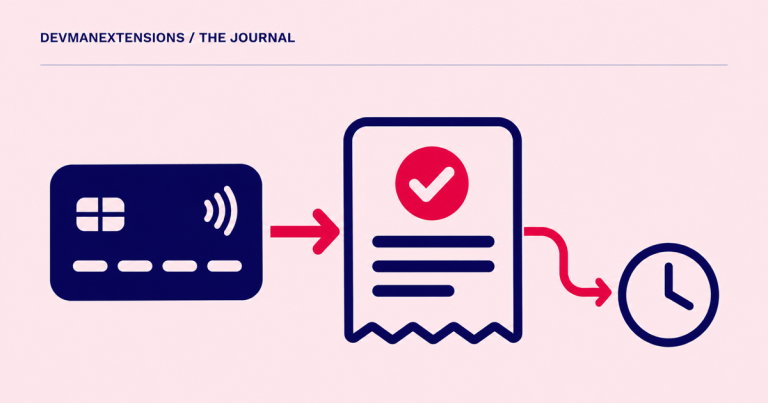
Check what OpenCart does when a Stripe or PayPal payment succeeds, fails or stays pending, and verify which orders are ready to ship.
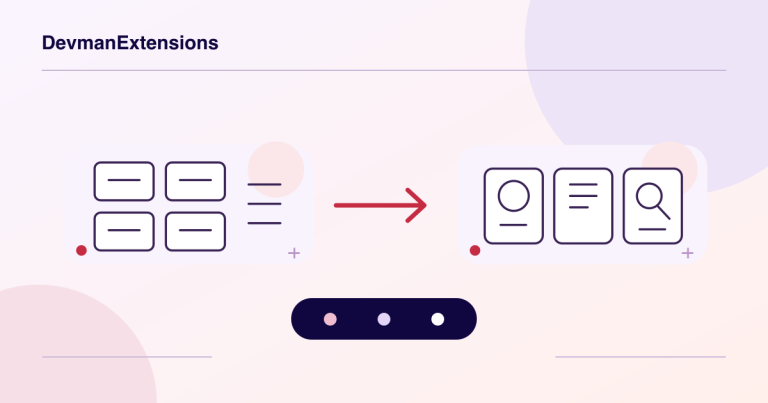
Plan OpenCart dependent product options: sequence decisions, define valid branches, match images, verify pricing and test configuration resets.
Compare OpenCart catalogue filters, stock variants, chained product options and image-based option presentation before choosing an extension.
Choose useful option images and text labels for OpenCart. Test selection clarity, touch interaction and compatibility with your product options.
Test OpenCart checkout on phones: guest forms, address changes, delivery methods, validation, payment returns and order reconciliation.
Review OpenCart mobile product pages for clear options, stable layouts, readable content and a usable path to cart. Compare real phone behavior.
Define category and manufacturer quantity offers, test thresholds and customer groups, and reconcile OpenCart discounts before launch.